Account, password & data security
Your account protects your investigation data: the password is also the key that encrypts your cases. This article shows how to create an account, manage it in the settings, recover access and how your data is stored.
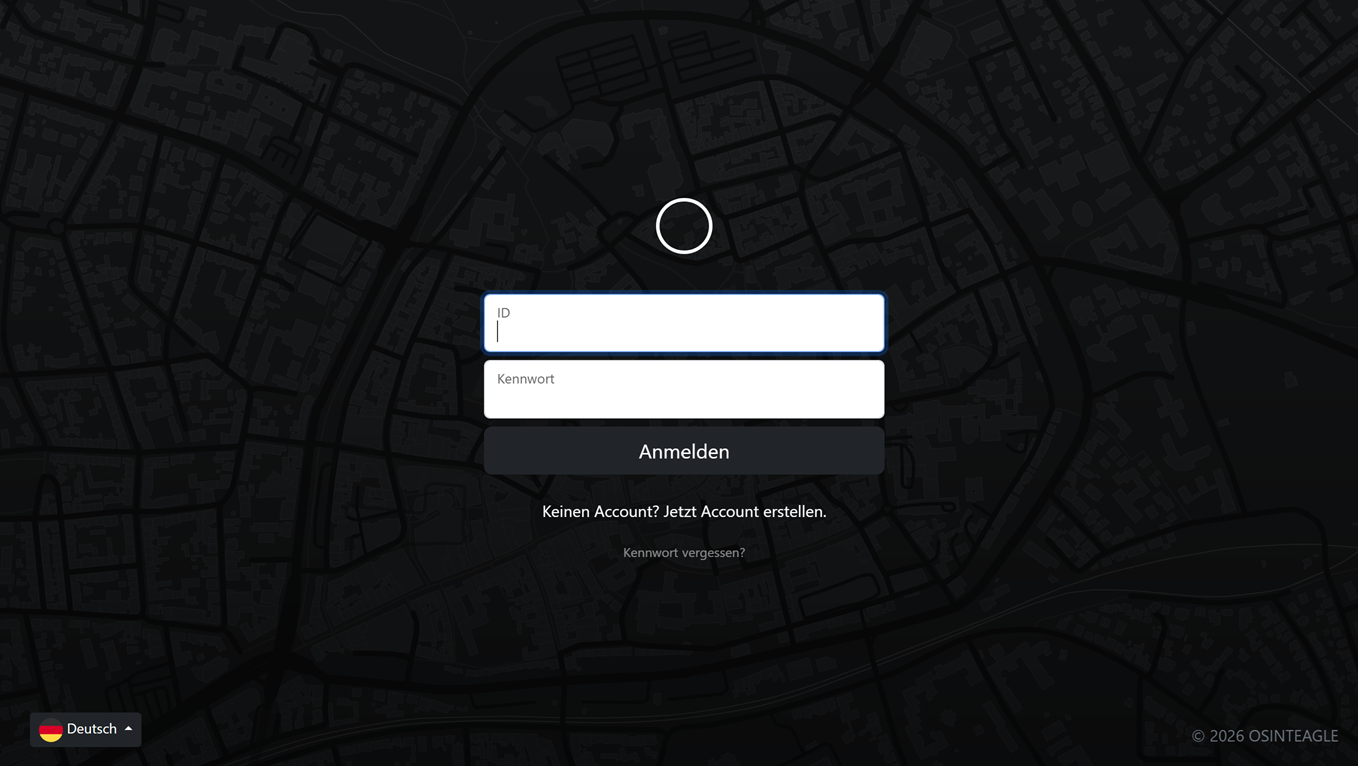
Create an account
On the start page you enter an Account ID (a freely chosen username) and a password. If the ID does not exist yet, a new account is created; if it exists, the password opens your existing account.
Important: The password is not stored and cannot be retrieved – it encrypts and decrypts your data directly. Choose it carefully and keep it safe.
Recovery code (desktop/local only)
In the local desktop variant, a one-time recovery code (backup code) is shown at your first login. It is the only way to reset your password if you forget it.
The code is shown only ONCE and cannot be retrieved again. Write it down and store it safely before you continue.
User settings
Use the Settings to manage your account. There you can, among other things:
- Change password – enter your current and new password.
- Email address – for password recovery (server variant) and notifications.
- Name (first/last) as well as company, department and case worker – shown in the report header.
- Report logo and signature for reports, optionally a PDF password.
- Two-factor authentication (2FA) via an authenticator app – with its own backup codes for emergencies.
- Back up account – create a backup of your entire account.
- Delete account – removes the account and all its data.
Forgot password – local (recovery code)
In the desktop variant, click "Forgot password?" on the login page. Enter your Account ID and your recovery code and set a new password. Your existing data is automatically re-encrypted to the new password and stays fully intact.
Without a valid recovery code, a local reset is not possible.
Reset password – server (email)
In the server variant, store an email address in the Settings. If you forget your password, click "Forgot password?" and enter your email. You receive a time-limited reset link to set a new password – your data is preserved here too.
Prerequisite: The email must be stored in the settings beforehand. Without a stored email, recovery on the server is not possible.
Data storage & encryption
Your investigation data is consistently stored encrypted:
- Each account has its own RSA key pair; the private key is AES-encrypted with your password.
- Cases and media are stored encrypted and are never served directly over the web.
- The principle is zero-knowledge: the password is not stored in plain text or as a simple hash – without your password (or recovery code / stored email) no one, not even an administrator, can read your data.
- Location: in the desktop variant in the data folder you chose; in the server variant in the installation's
data/directory.
Note: If you lose both your password and your recovery option (code locally, or email on the server), the data remains permanently encrypted and unrecoverable. Also use "Back up account" regularly for backups.