Analysis
Analysis: Map
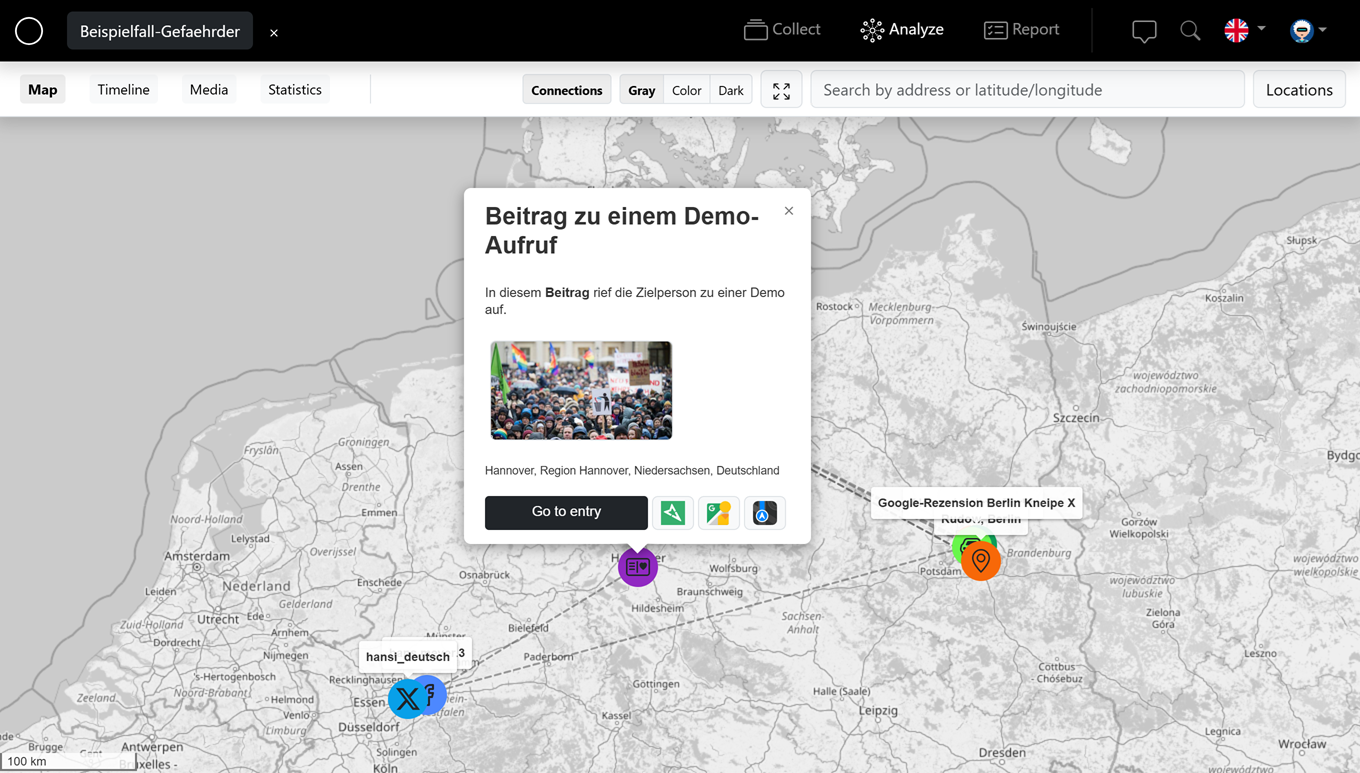
In the analysis area, the map shows all entities that have a location or coordinates geographically – so you spot spatial relationships at a glance.
Locations
Every located entity appears as a point on the map. Use the "Locations" list to jump to an entry; with "Go to entity" you switch straight into editing it.
Search & navigate
Use the search by address or latitude/longitude to find a place quickly. "Show full view" resets the map, and "Show/hide red radius" highlights an area.
Map layers
Choose between the "Gray", "Color" and "Dark" layers. Links between entities can also be displayed on the map.
New entity at a location
Click a spot on the map to create a new entity there directly ("Do you want to create a new entity at this location?").