Collect
Install the browser extension
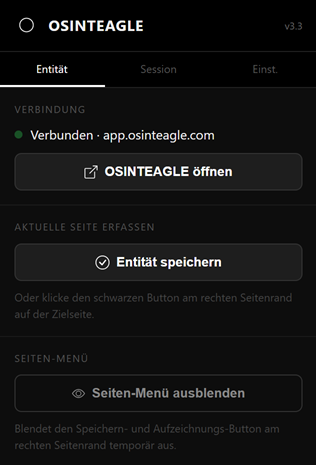
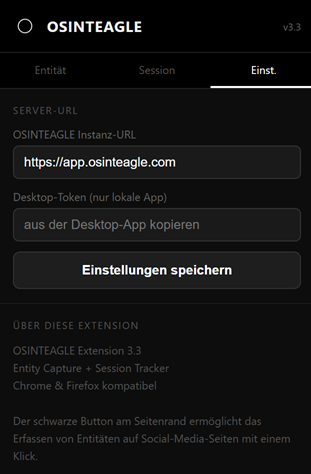
With the OSINTEAGLE browser extension you capture entities with one click directly into your active case – including a screenshot, profile image and automatically detected social-media data (Instagram, X, TikTok, Facebook, YouTube and more). Available for Chrome and Firefox.
How it works
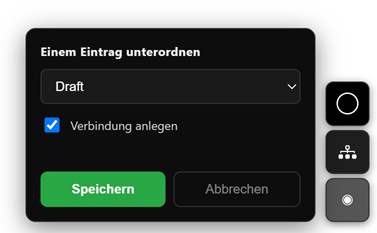
After installation, two small buttons appear at the bottom right of every web page: the upper one saves the entity, the lower one starts or stops session tracking.
Installation in Chrome
- Download the ZIP via "Download extension for Chrome (ZIP)" and unpack it.
- Open
chrome://extensions. - Enable Developer mode at the top right.
- Click "Load unpacked extension" and select the unpacked folder.
Installation in Firefox
- Download the XPI file via "Download extension for Firefox (XPI)".
- In Firefox open
Tools → Add-onsor go toabout:addons. - Via the gear icon choose "Install Add-on From File" and select the XPI file.
- Confirm the installation dialog.
 |
 |
 |
 |