License & devices (seats)
Every license includes a certain number of seats. One seat corresponds to one simultaneously activated device. Here you’ll learn how to find your license key, activate devices and release them again when needed.
Finding your license key
You can find your license key at any time in your dashboard, in the overview of your licenses. You enter it on first launch of the application to activate your device.
What are seats?
- The number of seats depends on your plan and determines on how many devices the software can be used at the same time.
- Each activated device uses one seat.
- A trial license includes one seat.
Activating a device
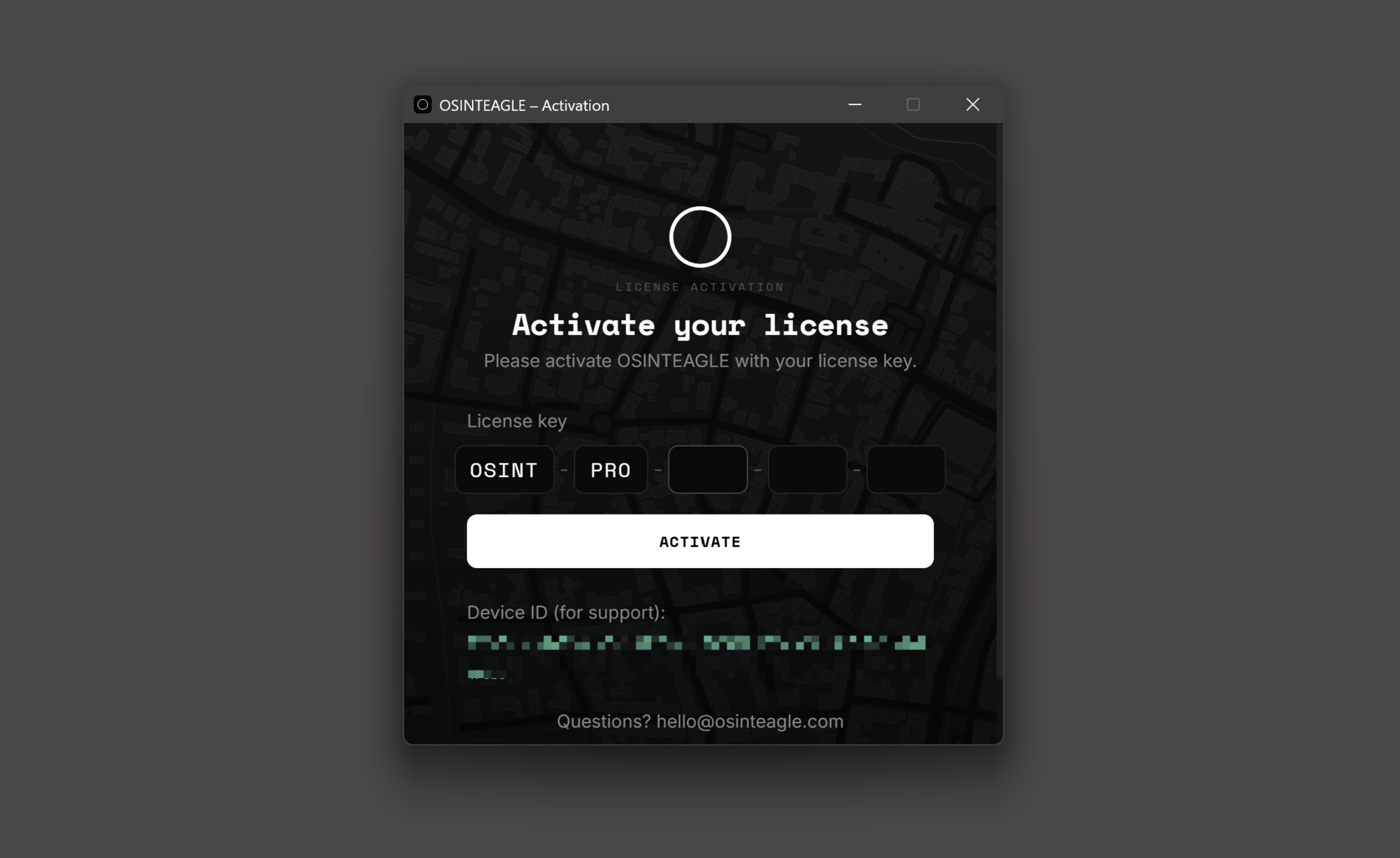
Launch OSINTEAGLE SOAR and enter your license key. The device is registered and uses one seat. If all seats are already in use, you first have to release another device (see below).
Managing & releasing devices
In your dashboard, each license has a “Manage” option showing all activated devices and seat usage. There you can remove a device via “Release” – the freed seat then becomes available for another device.
Note on anti-sharing protection: a device release is only possible once every 7 days per license. Plan device changes accordingly and not back-to-back.
Moving to a new computer
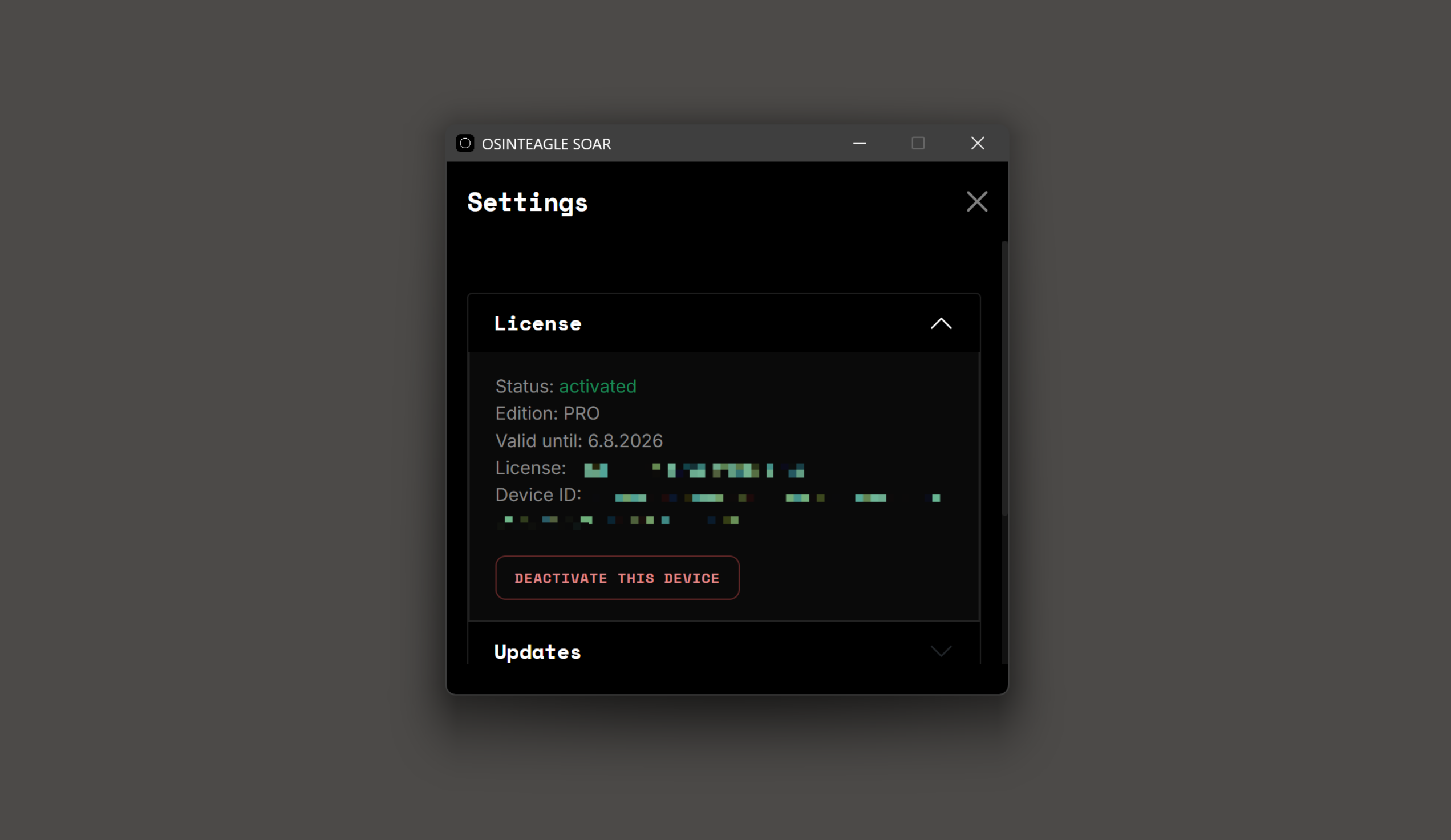
- Release the old device in the dashboard via “Manage” → “Release”.
- Install the app on the new computer and activate it with the same license key.
License expired or blocked
If your license expires or a subscription is not renewed, activation and further use are no longer possible until you renew. If a license is blocked administratively, please contact hello@osinteagle.com.