Collect
Quick capture
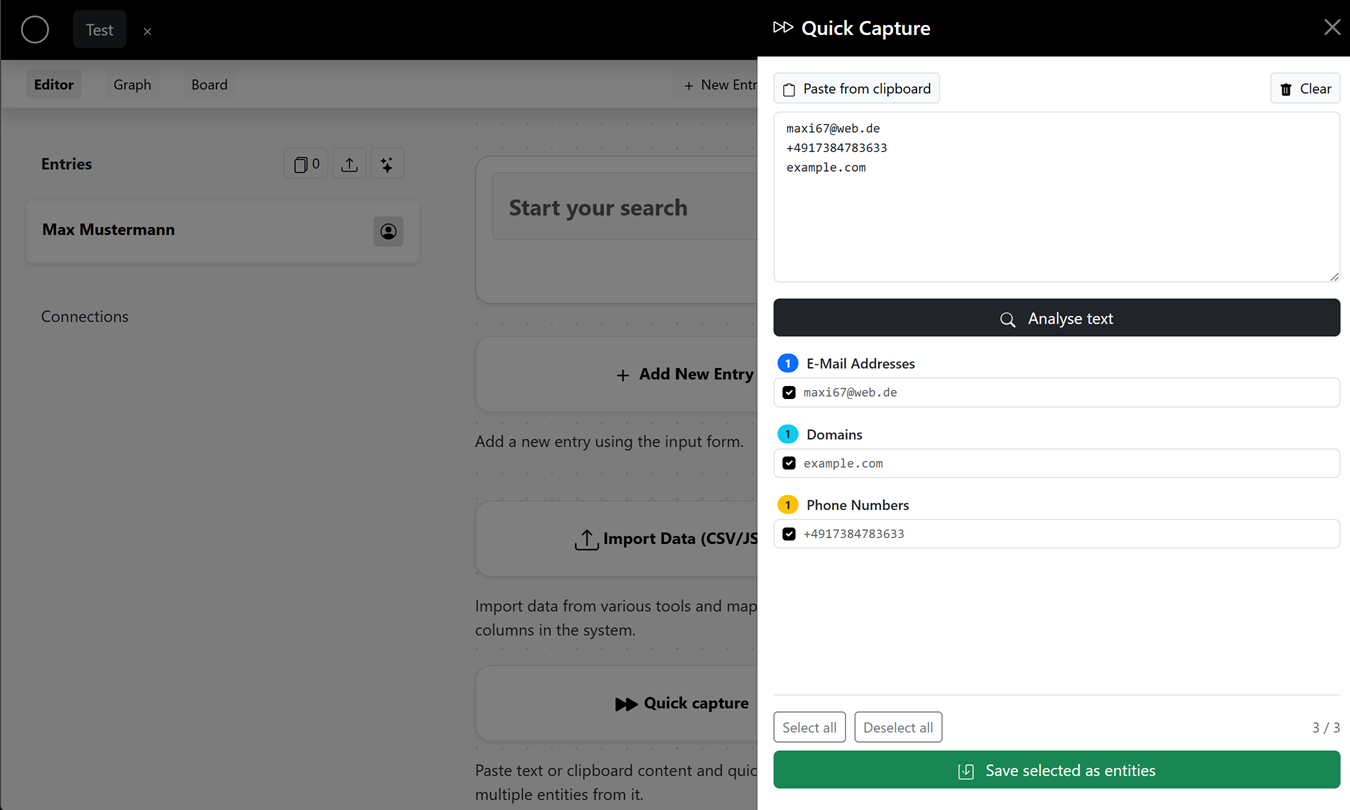
Quick capture automatically detects patterns such as email addresses or phone numbers in pasted text and creates them as entities in a few clicks – ideal for taking over a lot of information at once.
Paste text
Paste your text into the field (e.g. from clipboard, notes or documents) or use "Paste from clipboard". Use "Clear" to reset the field.
Analyze
Click "Analyze text". Under "Detected patterns" the matches are shown grouped:
- Email addresses
- IP addresses
- URLs
- Domains
- Phone numbers
- Usernames
Select & save
Select the matches you want ("Select all" / "Deselect all") and click "Save selected as entities". The entries are then created directly in your investigation.